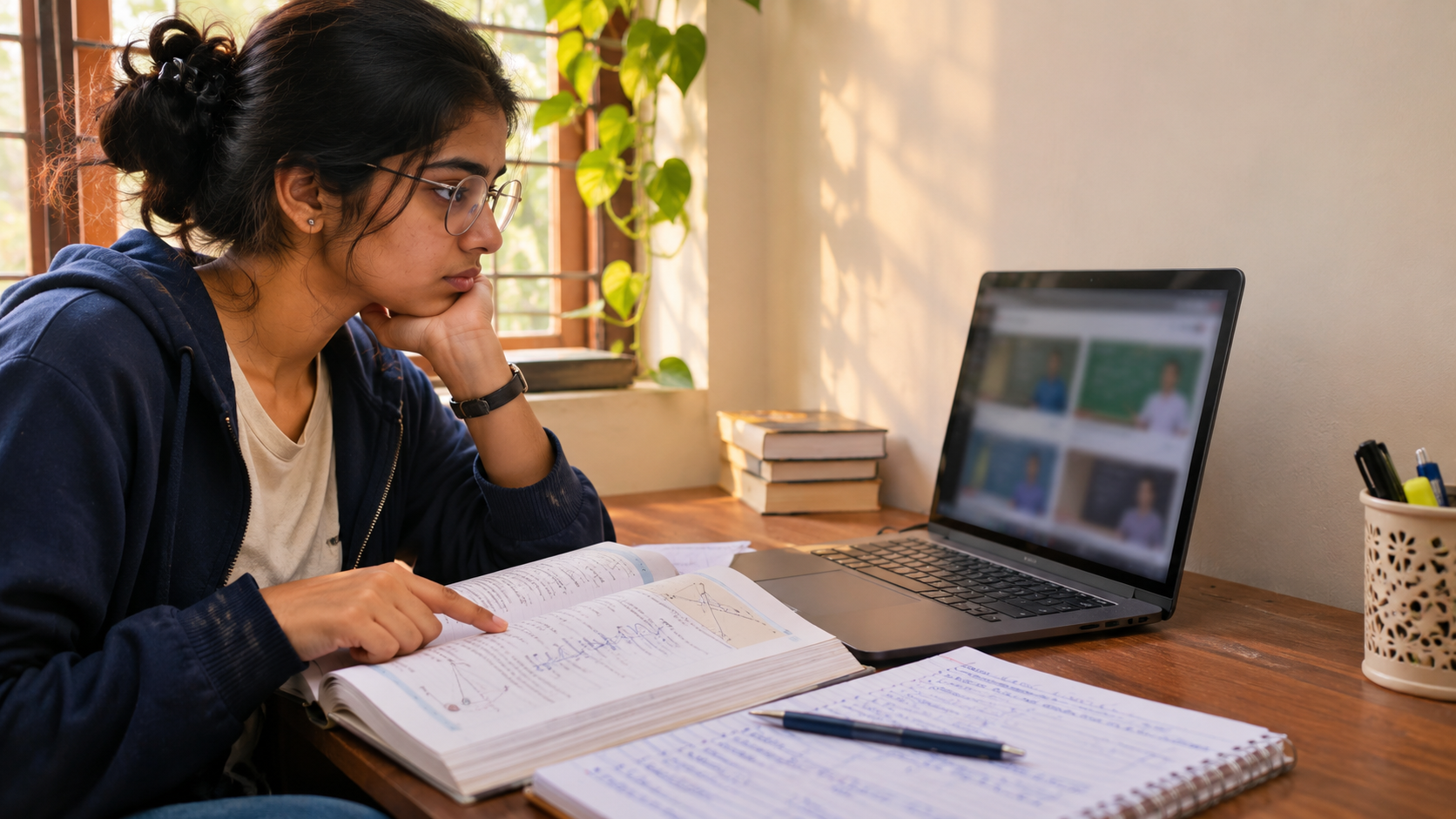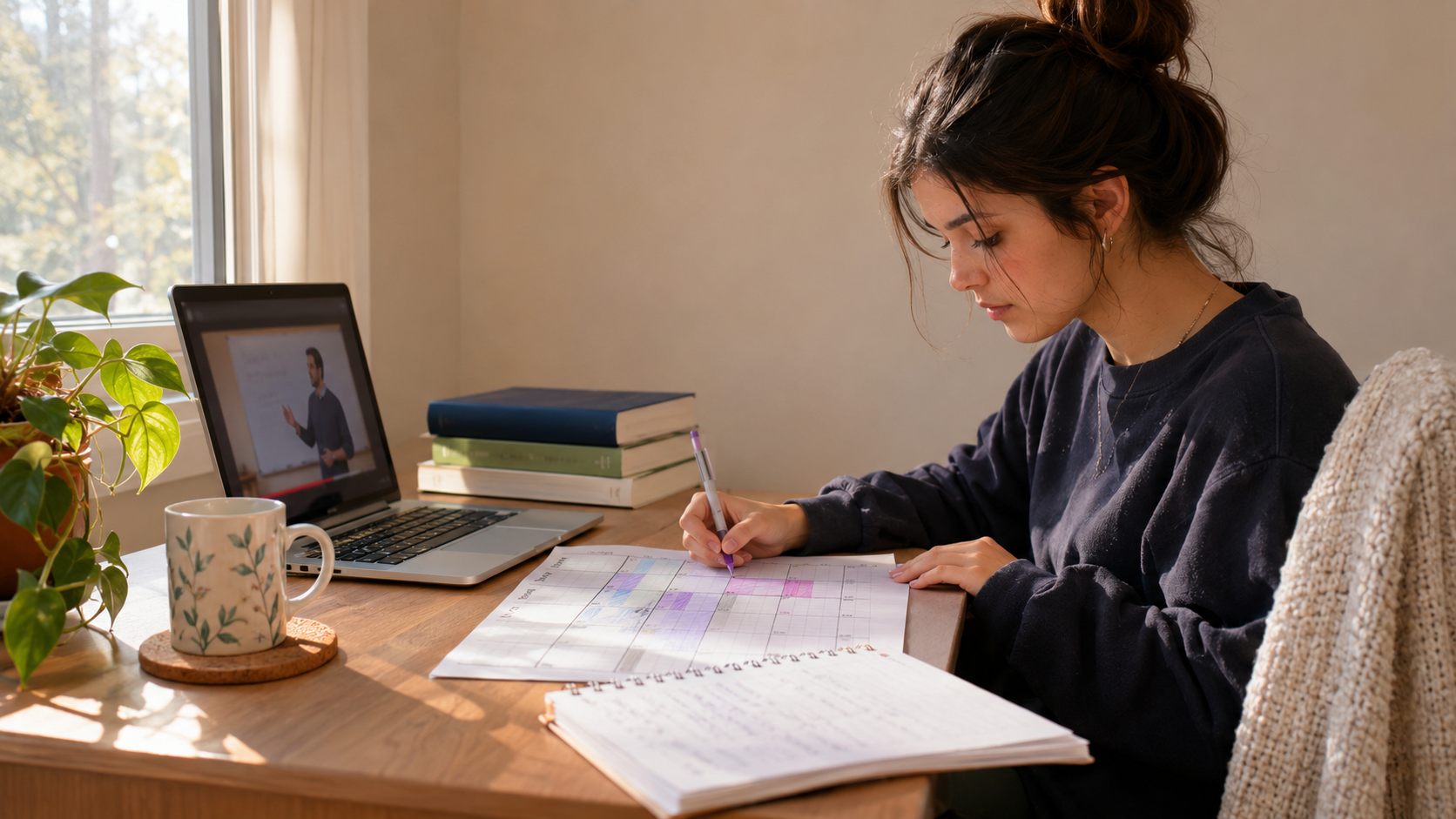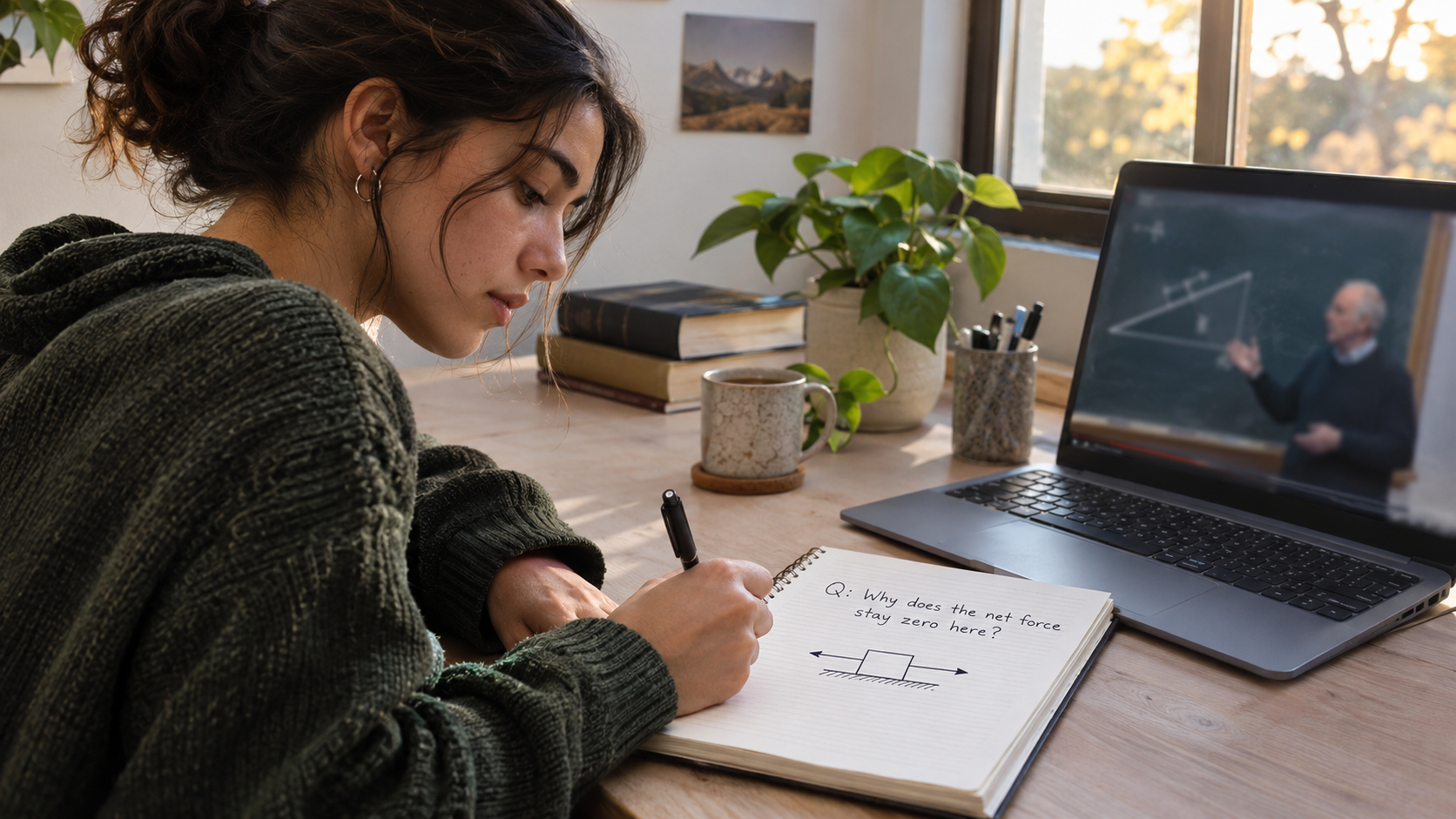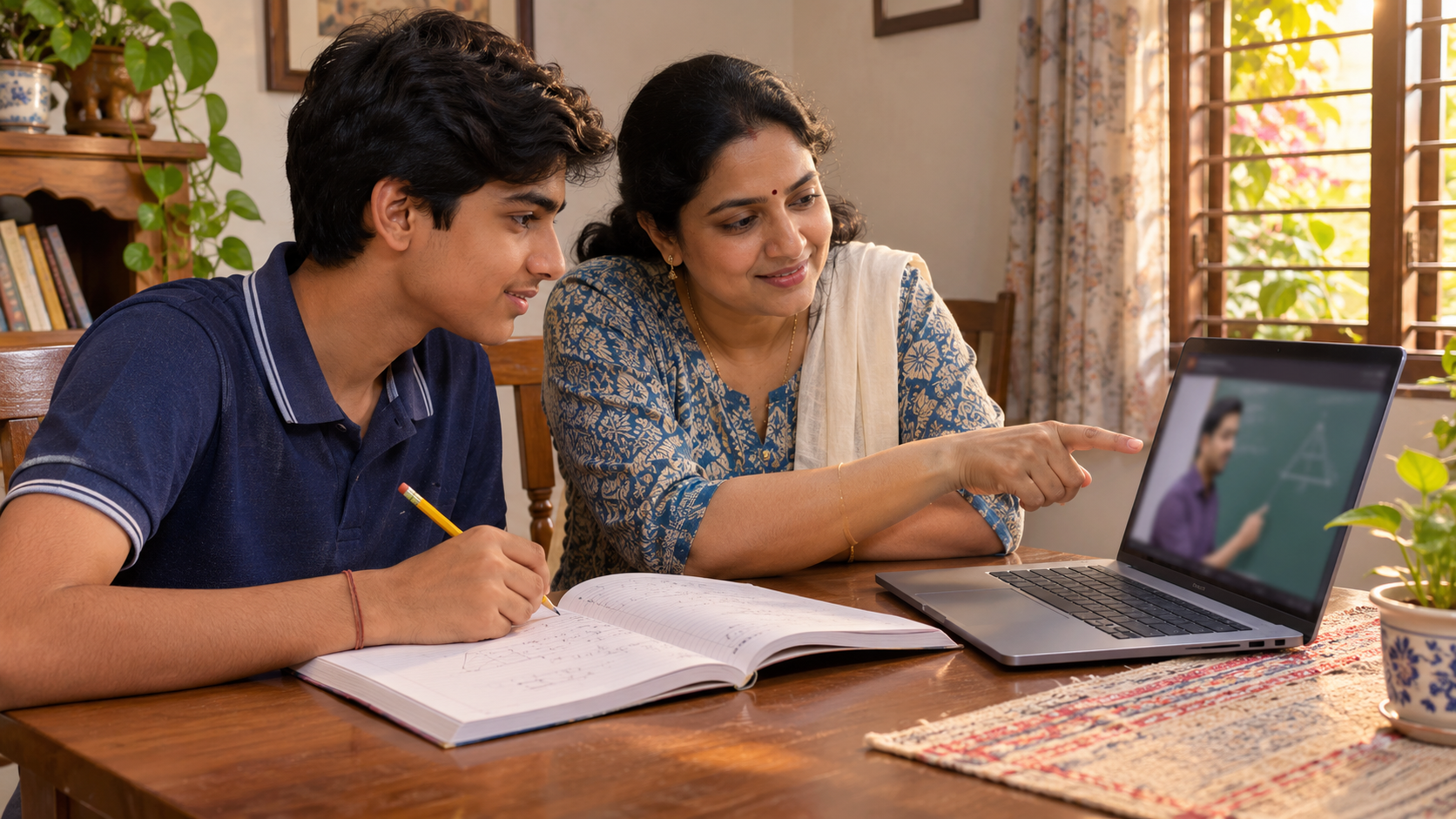
Your teen says they need YouTube for homework. They may be right: a worked math example or a clear science demonstration can explain something the textbook did not. The difficult part is that the same app can put Shorts, unrelated recommendations, and another video beside the lesson.
A useful family rule is more specific than "no YouTube during homework": agree on the question the video should answer, choose one lesson, and decide what the teen will do when it ends. On Android, Quietube gives students a focused YouTube learning space without the Shorts feed or unrelated recommendation clutter. Its Quiet Session, Marklist notes, and quizzes can support that routine. It is a study tool, not a replacement for your family's account supervision or content rules.
Start with the homework question
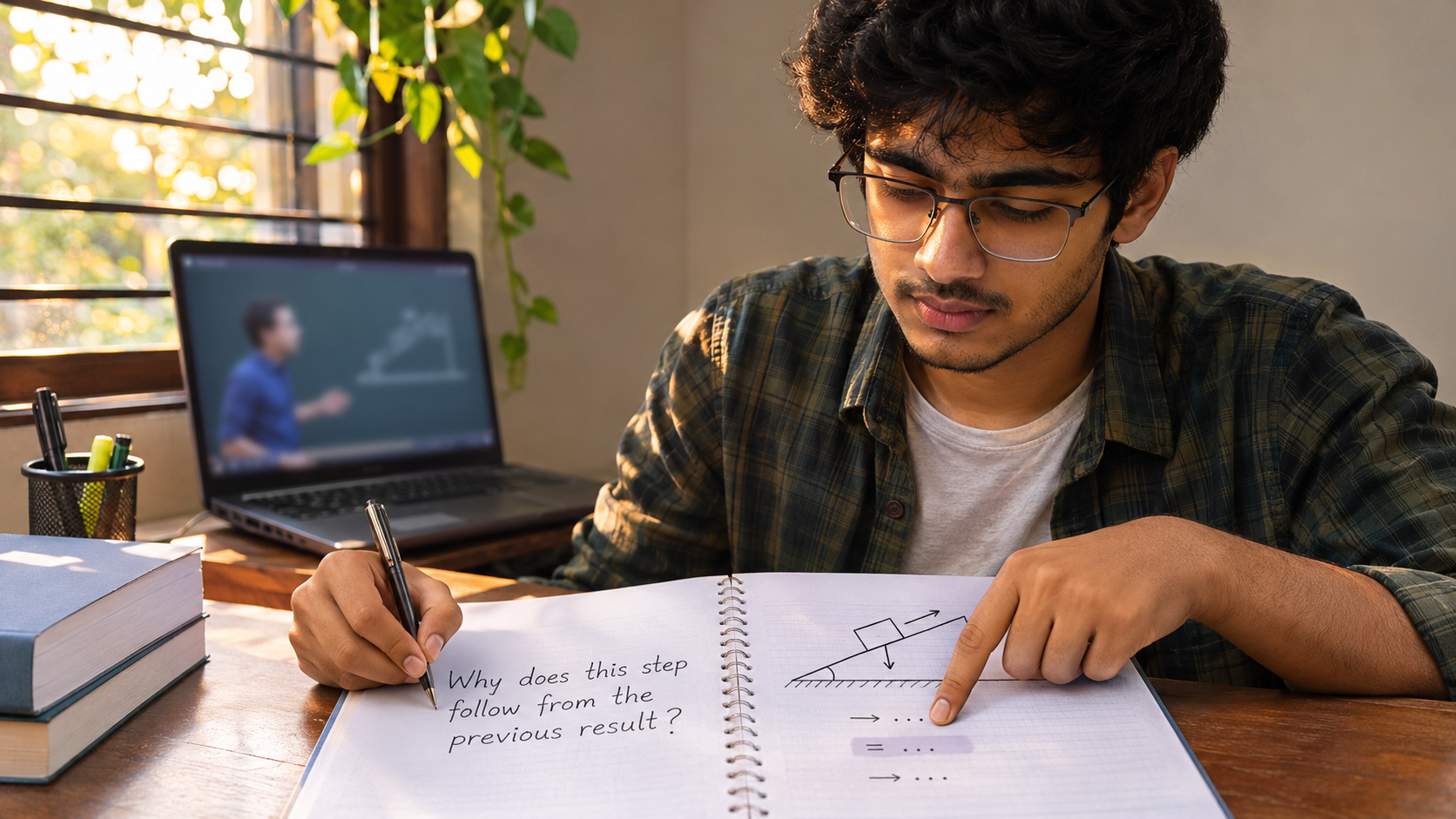
Ask your teen to show you the exact place they are stuck. "I need a video on chemistry" is too broad. "I can balance the equation but do not understand why the coefficient changes" gives you a search target and a way to judge whether a video helped.
If a teacher supplied a link, use that video first. Otherwise, search for the concept, the student's class level, and the type of help needed: "worked example," "diagram," or "practice question." Preview the first few minutes together. Does the explanation match the teacher's method and terminology? Does it show the reasoning rather than only the answer?
The aim is not for a parent to become the subject expert. It is to help the teen make a deliberate choice. Our guide to finding good educational YouTube videos offers a short source and syllabus check that a student can soon do independently.
Agree on a watch, work, and stop routine
Try a small plan before a school-night session:
- Choose the task: "Watch the section on factoring, then solve questions 3 and 4."
- Choose the video: use one teacher-assigned or checked lesson, with a relevant timestamp if it is long.
- Set a stopping point: after the example, close the video and work on paper.
- Ask for an output: a solved problem, a labelled diagram, or a two-sentence explanation in the teen's own words.
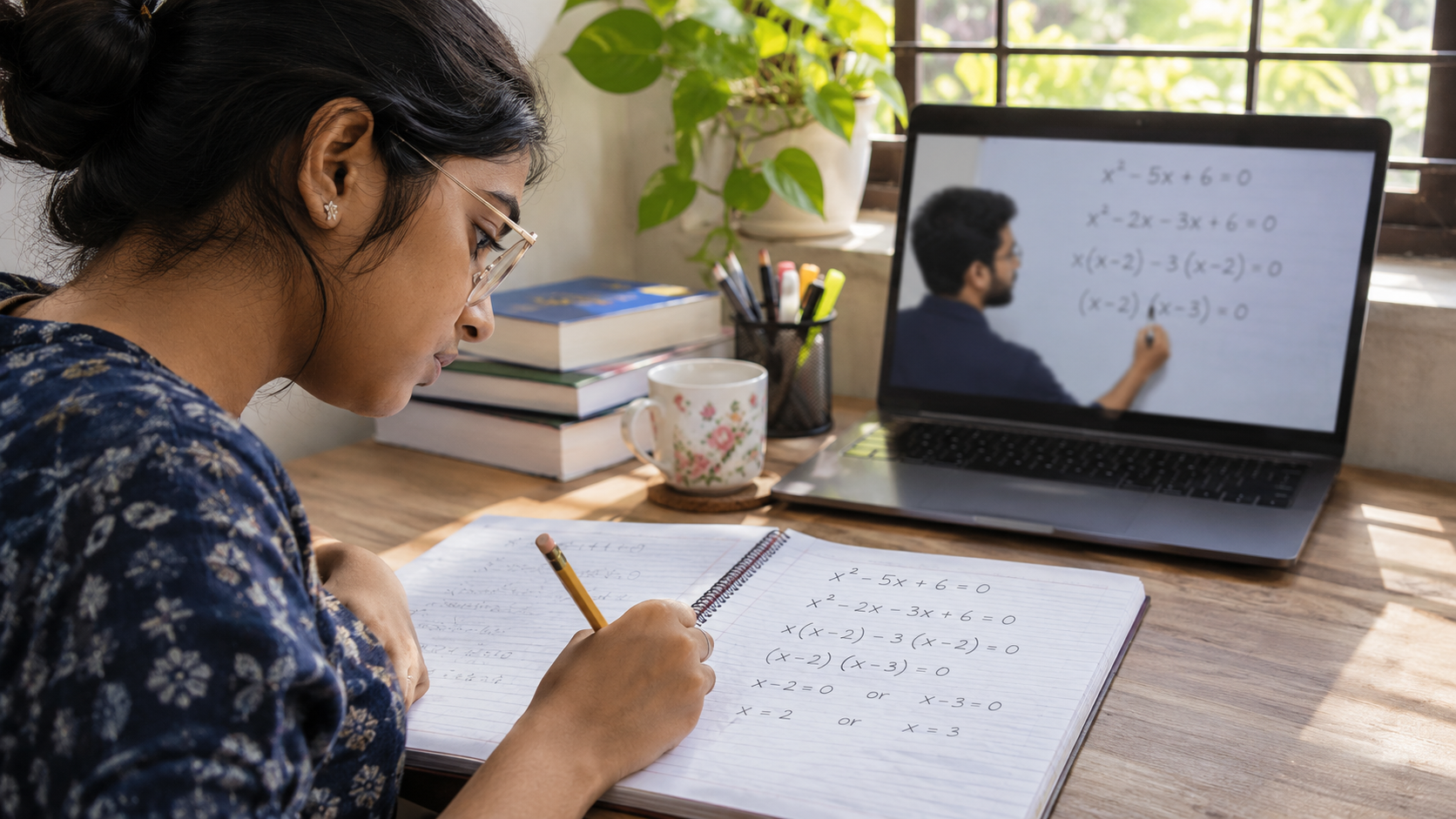
For example, a 20-minute algebra video is not the whole homework block. A teenager might watch the first worked example, pause before the teacher's next step, and try it independently. Then they solve a similar problem from school. If they cannot start, they return to the exact step they missed. If they can solve it, they move on rather than browsing for more videos.
This keeps the discussion about learning rather than minute-by-minute monitoring. You can ask "Which step helped?" and "What will you try next?" instead of "Why were you online so long?" If the plan repeatedly fails, adjust the entry point or the length of the session together.
The American Academy of Pediatrics' family media plan recommends rules tailored to the family, choosing quality content, turning off autoplay and notifications, and limiting unused screens during homework. A video needed for an assignment is a planned exception to a screen-free homework period, not a reason to leave every feed open.
Use YouTube's parent tools for the job they do
YouTube's Family Center guidance for supervised teens describes a daily Shorts feed limit, take-a-break and bedtime reminders, and content settings. If your family uses a supervised teen account, review these controls together in the parent's YouTube app. YouTube says a supervised teen's Shorts limit prevents further Shorts feed scrolling after the limit is reached until the next day. That is different from a reminder a teen sets on their own account and can dismiss.
These controls depend on the account setup and do not verify the quality of a homework video. They also do not turn every minute on YouTube into studying. Keep the academic check separate: can your teen explain the idea or complete the task afterward?
For children younger than the applicable account age, use the age-appropriate YouTube and family options described in Google's guidance for families. Quietube should not be described as a parental-control system or an age-safety substitute. Check its suitability for your child and your device rules before using it.
A Quietube homework flow for an Android student
Quietube can make the selected educational video easier to return to without placing the Shorts feed between homework steps. A teen can use it like this:
- Search for the exact lesson. Use Quietube's educational search and smart insights to find candidates, then check the chosen video against the assignment or teacher's material.
- Save it in Marklist. Add a short video note such as "Example at 04:30; I need to understand why the negative sign changes." This is more useful than a collection of unwatched links.
- Start a Quiet Session. Watch the selected lesson in Quietube's distraction-free experience. Pause when the teacher makes a decision, and try the next step on paper.
- Close the video and show the work. Attempt a school problem or explain the concept. Use a Quietube quiz or AI-generated revision question for another check, but verify AI answers against the course material.
- Plan the return. If the teen still has a gap, save the question and use the Scheduler to revisit it later. Avoid searching for several new explanations before identifying what the first one missed.
Try Quietube for a planned YouTube homework session if your teen needs educational videos but gets pulled into Shorts or recommendations. The parent and teen still decide what counts as homework; the app gives the chosen lesson a calmer place to live.
What to do when the plan breaks
If your teen ends up scrolling, first ask where the shift happened. Was the search too broad? Did the lecture end and autoplay offer another video? Was the problem too difficult and the feed an easy break? Each cause suggests a different repair: provide a direct link, turn off autoplay, shorten the video segment, or ask the teacher about a prerequisite.
A blanket device ban can be appropriate for a no-video practice block, but it can also remove access to a lesson a student genuinely needs. Make separate rules for learning with a video and solving without one. During the second block, put the video device aside. During the first, keep the chosen lesson and paper task visible.
If homework routinely becomes a conflict about screens, have the conversation outside the rushed homework hour. Ask your teen which part of YouTube actually helps, what distracts them, and which limit they would be willing to try for a week. Review whether the change produced completed work and less friction, not merely a lower screen-time number. For a teacher-assigned clip, our guide to sharing YouTube videos without recommendations offers a complementary classroom approach.
Questions parents ask
Should I ban YouTube during homework?
If the task does not require video, a video-free block may be sensible. When a teacher or a genuine learning gap calls for a lesson, use a direct video, a stopping point, and an independent question afterward. Judge the session by the work produced.
Can a Shorts limit guarantee my teen stays focused?
No single setting can do that. A supervised teen account's Shorts feed limit addresses feed scrolling, while a separate homework plan addresses what the student is trying to learn. Check the current account settings and talk with your teen about the routine.
How do I know the video helped?
Ask your teen to solve a similar question or explain one step without the video. A correct answer with a reason tells you more than the watch time. If the explanation is still unclear, note the specific gap and ask the teacher or choose a different lesson.
The most helpful parent role is to make the learning goal clear, remove a few easy detours, and leave room for the teen to do the thinking. Quietube can keep the chosen YouTube lesson focused on Android; a question answered without the video shows whether homework moved forward.

Full-Stack Web & Mobile App Developer crafting ultra-fast, high-converting digital products.