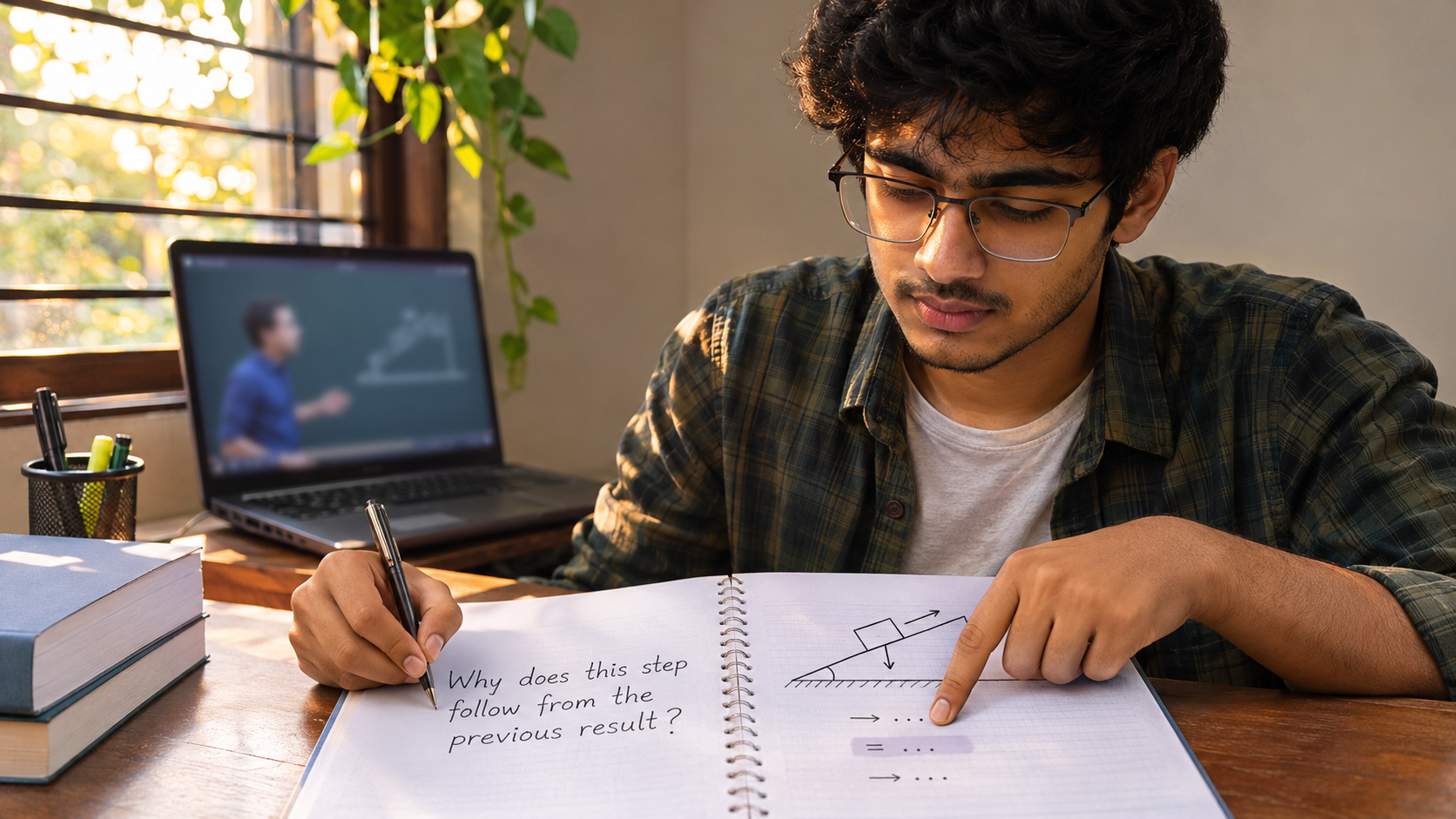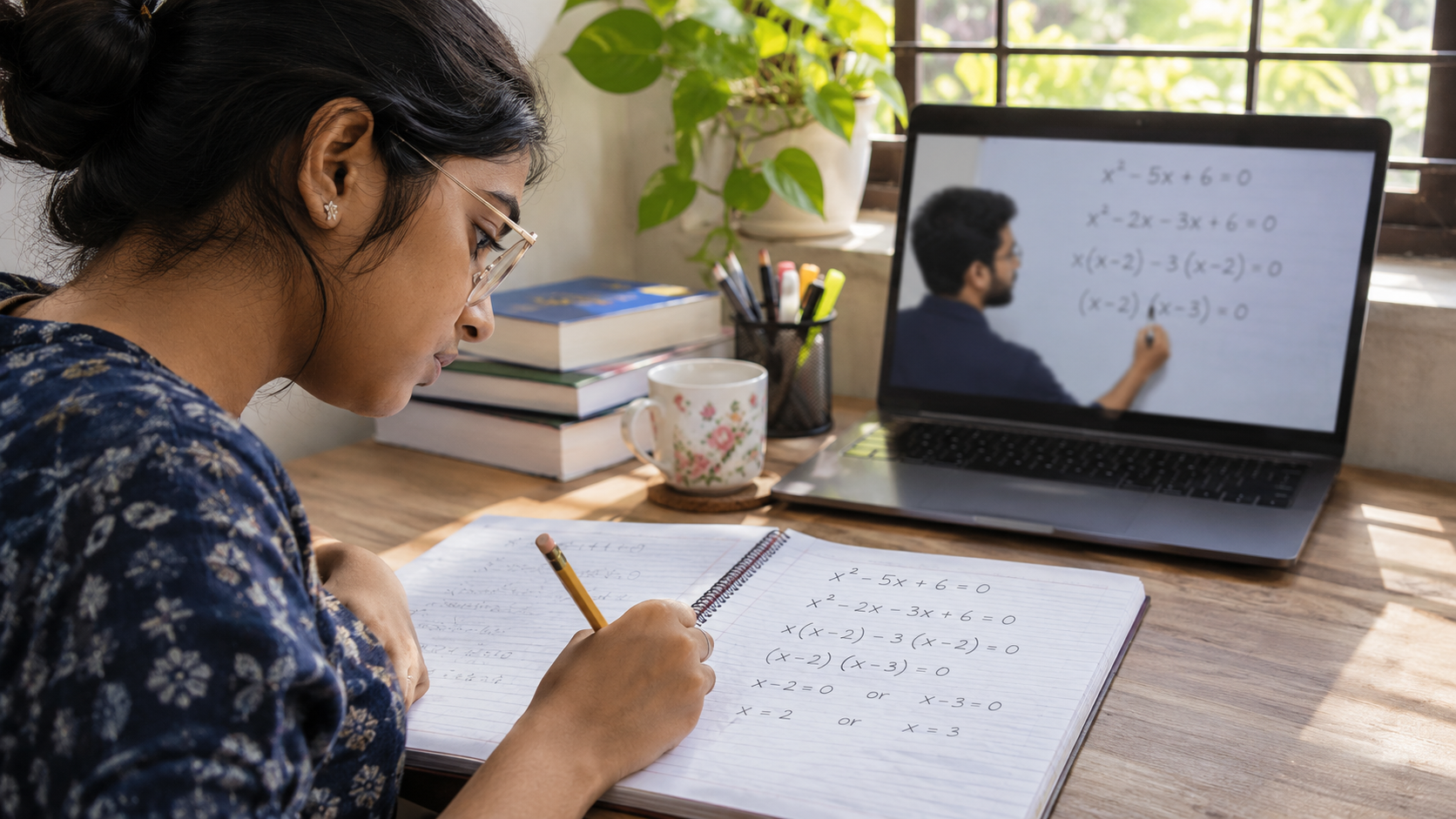
A search for "physics class 11" can return hundreds of lessons. Some teach the exact step you missed; others assume a different syllabus, rush through the answer, or spend ten minutes on an introduction. The most popular result is not automatically the best one for your next study session.
The quickest way to find a useful educational YouTube video is to search for one precise learning question, check the video's level and evidence, and test a short section before committing to the full lesson. Then save that lesson and leave the search results. Quietube can help with this workflow: its education-focused search surfaces relevant video options and smart insights, while Marklist and Quiet Session keep the chosen lesson close and the surrounding distractions out of the way.
Turn your syllabus gap into a search question
Open your course outline, assignment, or marked test. Write down the smallest thing you cannot yet do. "Trigonometry" is a subject; "solve a right triangle when one side and one angle are given" is a learning task.
Search using the concept, your level, and the kind of explanation you need. For example:
- "class 11 Newton second law numerical worked example"
- "GCSE photosynthesis limiting factors graph explanation"
- "first year calculus chain rule practice problems"
Add your examination board, textbook chapter, or language if these materially change what counts as a useful answer. A student preparing for a short school exam may need a different depth from a university student looking for a derivation. If you already know the definition but cannot solve a problem, include "worked example" or "practice" rather than watching another overview.
YouTube says its search considers how well a video's title, description, and content match a query, along with engagement and quality signals. That makes search a starting point, not a guarantee that the first result fits your class. Its search filters can refine results, but you still need to judge the lesson yourself.
Compare three candidates in two minutes
Do not open ten tabs. Pick two or three plausible videos and check the details that matter for today's task:
| Check | Useful sign | Reason to move on |
|---|---|---|
| Level and scope | Title or opening states the exact concept and audience | A broad crash course when you need one specific method |
| Teaching | The instructor explains why each step works and shows an example | Answers appear with no reasoning |
| Source | Creator's expertise or institutional connection can be checked | Strong claims with no explanation or traceable source |
| Fit | Terms and method agree with your syllabus or teacher's material | Different notation or curriculum with no bridge to yours |
| Length | Enough time to explain the idea you need | Long runtime filled with unrelated chapters |
A high view count can signal that many people watched a video. It cannot tell you whether its notation matches your exam or whether a scientific claim is accurate. A short, small-channel lesson may be the better choice if it explains your exact question clearly.
For a science or health claim, look for the source of the claim, not just polished editing. MIT Libraries advises checking evidence and looking beyond the page itself to understand a source. Their source-evaluation guide describes lateral reading: open another reliable source to check the author or claim. Your textbook, teacher's notes, university material, or a relevant professional body can supply that second check. This matters more for consequential claims than for a routine arithmetic demonstration.
Run a five-minute lesson test
Play the beginning and jump to the first real worked example. Ask three questions:
- Can I state what this video is going to teach?
- Can I follow why the instructor takes each step?
- Can I try a similar step before the video reveals it?
If the lesson passes, watch the relevant chapter. If it fails, return to your shortlist. This small test prevents the common trap of finishing a 45-minute video and discovering that it never addressed your difficulty.
Consider a student who missed a question about force and acceleration. Video A lists Newton's laws with impressive animations. Video B solves a problem using a free-body diagram, labels the forces, and explains why net force equals mass times acceleration. If the student needs to solve numerical questions, B is the better lesson even if A has more views. After the worked example, the student should pause and solve a similar problem on paper. That attempt reveals whether the video taught a usable method.
Teachers selecting a clip for a class can make the same test with one extra question: is the video's language and example appropriate for this group? Common Sense Education's guide for teachers also calls attention to YouTube recommendations that may appear beside or after a chosen video. Preview the whole relevant segment before sharing it with students.
Keep the useful video and leave the feed
Once you have found one good lesson, searching more can become a way to avoid doing the exercise. Save the video, write the reason you chose it, and move into study mode. A useful note might be: "Explains the free-body diagram at 04:20; retry question 6 after watching." That is more actionable than a bookmark titled "Physics."
On Android, a focused Quietube flow looks like this:
- Search Quietube for the precise syllabus question. Use the results and smart insights to shortlist a couple of relevant lessons; inspect the source and curriculum fit yourself.
- Save the chosen video in Marklist, with a short video note recording the example or timestamp worth revisiting.
- Start a Quiet Session and watch the section that answers your question. Quietube's distraction-free experience keeps Shorts and unrelated recommendations from becoming your next task.
- Pause before the answer, attempt the next step, and use Quietube's quiz or AI-generated revision tools to create a follow-up check. Verify any generated answer against the lesson and your course materials.
Try Quietube for your next study session if finding the right lesson is easy but staying with it is hard. The search judgment remains yours; the app helps you turn a selected YouTube video into a focused learning session.
Know when a video is the wrong tool
A video is useful for seeing a process, diagram, demonstration, or worked solution. It is a poor substitute for practicing the method yourself. If you can follow every line while watching but cannot start a similar question alone, stop collecting videos and do a problem set. Use the lesson only to repair a specific error.
Check dates when facts, software interfaces, exam formats, or official guidance may have changed. For an equation or historical interpretation, an older lesson may still be useful if it matches your course. For a medical, legal, or financial claim, rely on current authoritative sources and qualified advice rather than treating a YouTube explainer as a final answer.
After choosing a lesson, use our guide to take notes from YouTube lectures without rewatching them. If the topic spans several lessons, turn the playlist into a study schedule. When you finish watching, make revision questions from the video to see what you can recall and apply.
Questions students and parents ask
Is a video with more views more reliable?
No. Popularity can help you discover candidates, but it does not establish accuracy or curriculum fit. Check the explanation, the creator's relevant expertise, and important claims against a reliable second source.
How long should I search before I start studying?
Give yourself a short shortlist: two or three candidates and a five-minute test of the best one. If none fits, change the search question by adding your level, exact topic, or required problem type. Avoid scrolling through result after result without testing any lesson.
Should I use YouTube videos instead of my textbook?
Use videos to clarify a difficult idea or watch a worked process, then check the terminology and required scope against your teacher's materials or textbook. For assessment preparation, the course requirements decide what you need to know.
How can a parent or teacher choose a video for a student?
Start with the learner's specific question and level. Preview the relevant segment, check who made it and whether the explanation supports a task the student must complete, then share the exact video or timestamp. Ask the student to explain or apply one idea afterward rather than measuring success by watch time.

Full-Stack Web & Mobile App Developer crafting ultra-fast, high-converting digital products.